1. Install the Plugin
The plugin links Modulix to the Stream Deck app. Key presses go straight to Modulix, and the keys update whenever something changes in your project.
Download Plugin (.streamDeckPlugin)2. Install the Profiles
Ready-made stage layouts for the 15-key and 32-key Stream Deck, with every key already set up. Import one and play, or change it to fit your rig.
Why Use a Stream Deck with Modulix?
Physical keys that show what they do, like on a hardware workstation, for the price of a Stream Deck.
Ditch the Screen
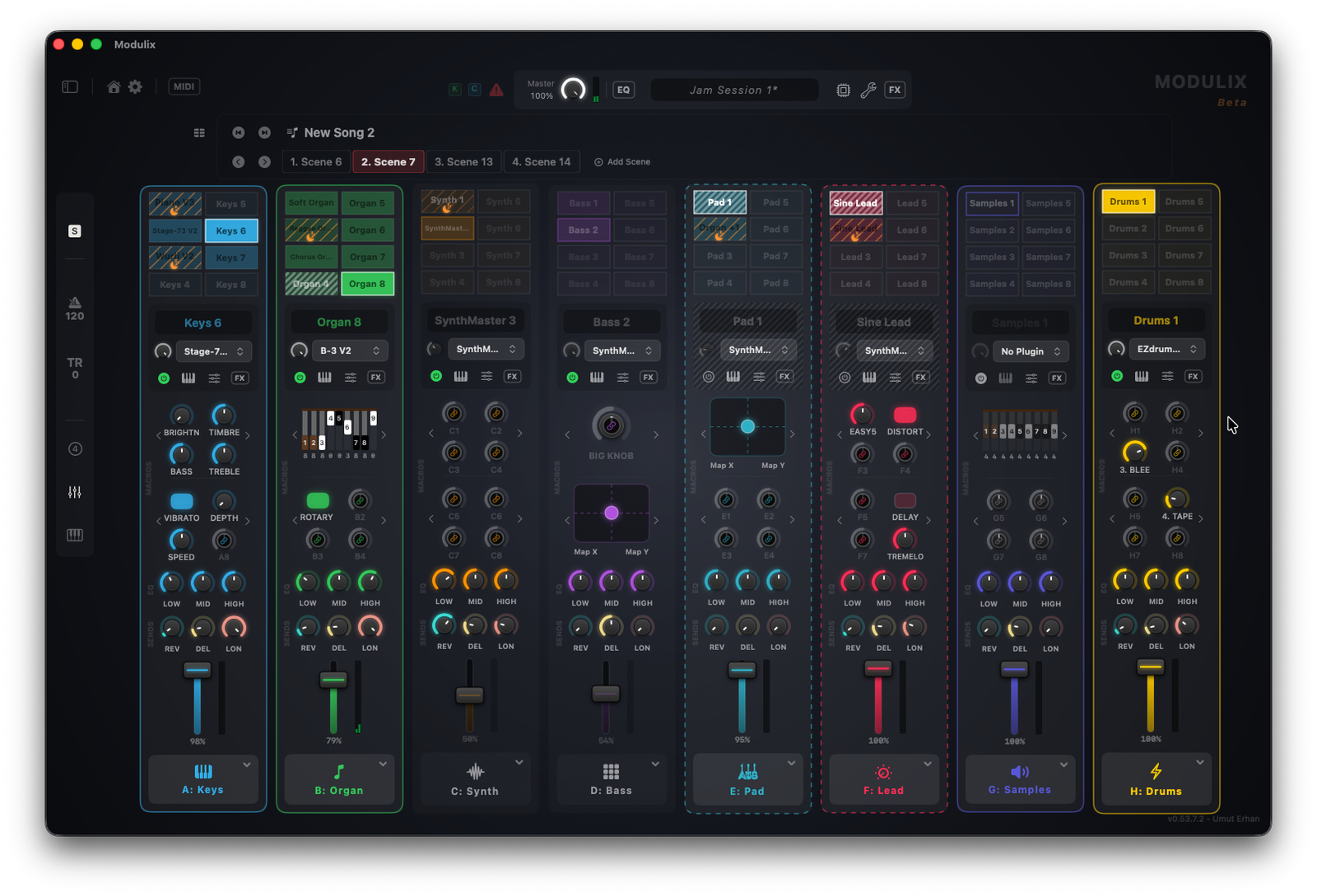
With what’s loaded shown right on the keys, you can run almost everything without looking at your Mac. Step through songs and scenes, mute or solo modules, and switch Stage FX on and off while your eyes stay on the band.
Each key shows its module’s color and your own voice name, with an icon when an instrument is bypassed or sleeping.
Deep Editing & Smart Actions
Keys change with what you’re doing. Adjust zone layers, shift octaves, or page through all 64 voices as you play.
Start the Quick Split wizard from a key, and its display walks you through each step as you play. You can build a whole split, layers included, without reaching for the mouse.
Quick Installation Guide
-
1.
Open Modulix on your Mac, go to Settings > General, and make sure Enable Elgato Stream Deck Support is checked.
-
2.
Double-click the downloaded
.streamDeckPluginfile to install it into your Stream Deck desktop app. -
3.
Double-click the downloaded
.streamDeckProfilefile to import the layout. -
4.
Your keys fill with the colors, names and status of the open Modulix project.